
Downloading TikTok videos one by one consumes huge amounts of time. Content creators often need to back up entire profiles quickly. Digital marketers also save trending video sets for research. Bulk downloading TikTok videos solves this issue completely. It allows you to save dozens or hundreds of clips at once. You can grab videos without watermarks in pristine HD resolution.
This complete guide breaks down the process clearly. You will discover top batch download tools, automated desktop scripts, and proven workflow strategies.
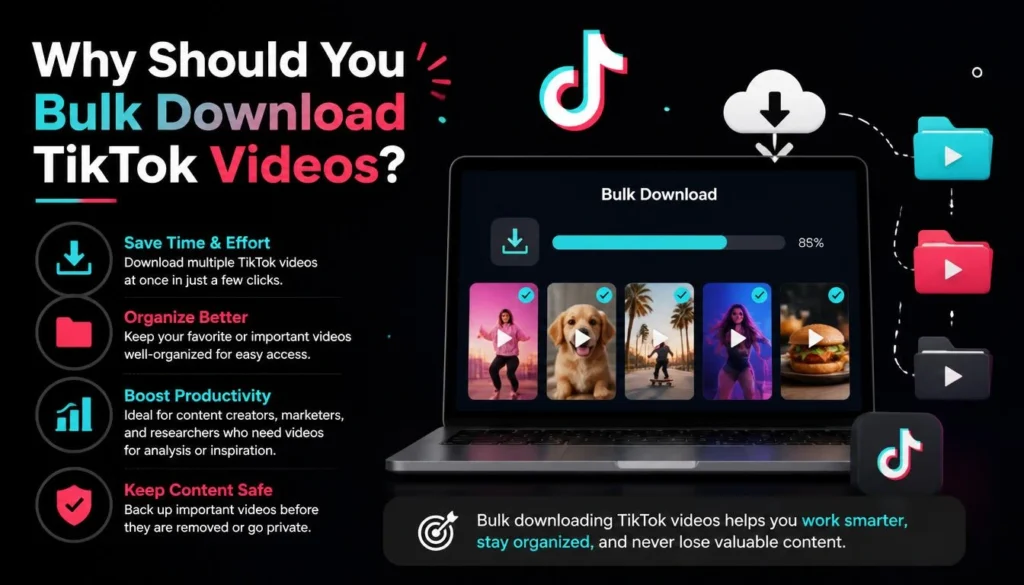
Why Should You Bulk Download TikTok Videos?
Digital content disappears fast. Accounts get banned, creators set posts to private, or trends vanish overnight. Batch downloading secures your digital assets safely.
Content Repurposing and Archiving
Creators regularly post short clips across multiple social platforms. Downloading your full profile library lets you edit videos for YouTube Shorts. You can also share them easily as Instagram Reels.
Competitor Analysis and Trend Tracking
Marketers analyze competitor strategies by studying top-performing videos. Downloading whole account feeds allows offline viewing. You can review editing styles, hooks, and sound trends without distraction.
Personal Backups and Data Ownership
Social media platforms own hosted content servers. Storing copies on local drives ensures total ownership. You never lose precious video memories or viral clips.
Top Tools for Batch Downloading TikTok Videos
Choosing the right batch download software makes saving content simple. The following tools provide fast speeds, watermark removal, and stable links.
Web-Based Online Batch Downloaders
Web utilities process multiple link inputs directly inside your web browser.
- SnapTik Bulk Saver: Supports multi-link paste boxes for single-click queue downloads.
- SSSTikTok Batch: Fetches entire user profiles using simple
@usernameinputs. - TokVid.io: Offers fast processing for up to 100 links simultaneously.
Dedicated Desktop Software
Desktop programs process massive download queues faster than web applications.
- 4K TokKit: Software designed specifically for automatic TikTok account backups.
- JDownloader 2: Open-source grabber tool that extracts full link lists.
- YT-DLP (Command Line): Powerful command tool for tech-savvy power users.
Step-by-Step Guide to Bulk Download TikTok Videos
Batch downloading videos requires following a quick, clear process.
1. Collect Your Video Links
Open TikTok on your desktop browser. Navigate to the targeted profile or search tag. Copy individual video links or copy the main profile URL. Organize these links in a simple text file or spreadsheet.
2. Input URLs into Your Chosen Tool
Launch your selected bulk downloading tool. Paste all copied links into the multi-line text field. Alternatively, enter the target @username if using profile-scraping software.
3. Select Format and Resolution
Choose your export preferences. Select MP4 (No Watermark) for clean video output. Choose MP3 if you only require background audio tracks.
4. Initiate the Downloading Batch
Click the process button to start the queue. The software processes each video automatically. Compressed ZIP files containing all completed clips land straight in your computer’s storage.
Best Practices for Safe and Efficient Downloading
Bulk downloading requires careful habits to maintain fast speeds and protect account safety.
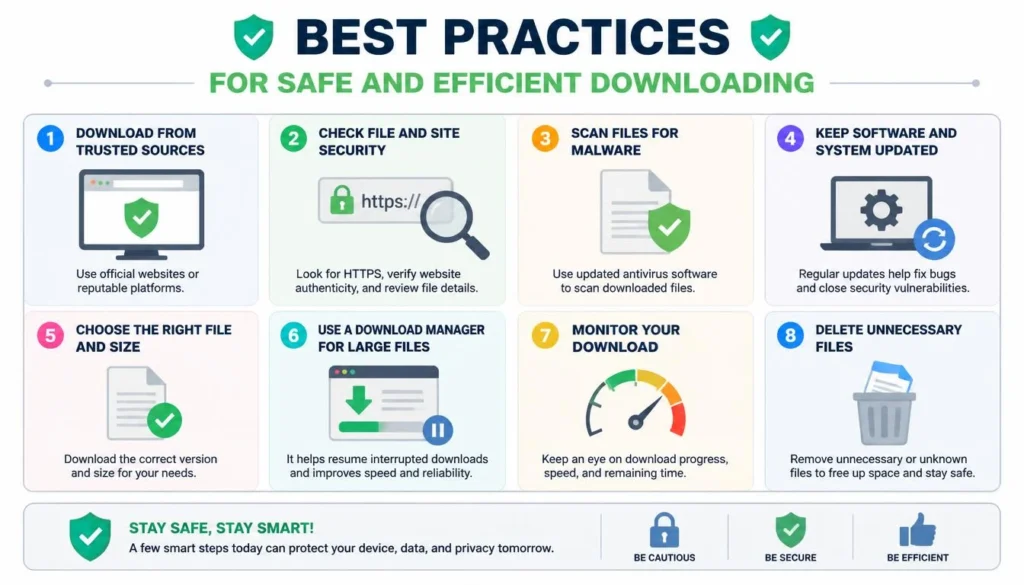
Avoid IP Rate Limits and Captchas
Downloading hundreds of clips quickly triggers platform anti-bot systems. Use rotating proxy connections when exporting huge channel libraries. Space out large download batches to prevent temporary IP blocks.
Respect Copyright and Intellectual Property
Saving public videos for personal viewing or research is completely fine. Re-uploading someone else’s work without permission violates copyright rules. Always seek creator consent before publishing downloaded clips.
Keep Local Downloads Organized
Create structured folder hierarchies on your hard drives. Label folders using creator handles, dates, and campaign keywords. Systematic naming saves time during post-production editing.
Frequently Asked Questions (FAQs)
Conclusion
Bulk downloading TikTok videos saves digital creators and marketers valuable time. Utilizing proper tools lets you back up full libraries safely without watermarks. Remember to organize saved files neatly on your hard drive and respect original creator rights. Start streamlining your video archiving workflow today!