
Learning how to build an offline library of viral videos for inspiration gives you instant access to proven hooks, lighting setups, and pacing techniques. Storing high-performing content on your hard drive keeps your creative process active. You never have to worry about missing inspiration when algorithm shifts occur or internet access breaks down.
An offline archive allows you to analyze visual trends frame by frame. Having a dedicated offline viral video inspiration library ensures you can study winning content without online distractions. This guide breaks down the full workflow to source, save, organize, and study top-performing media locally.
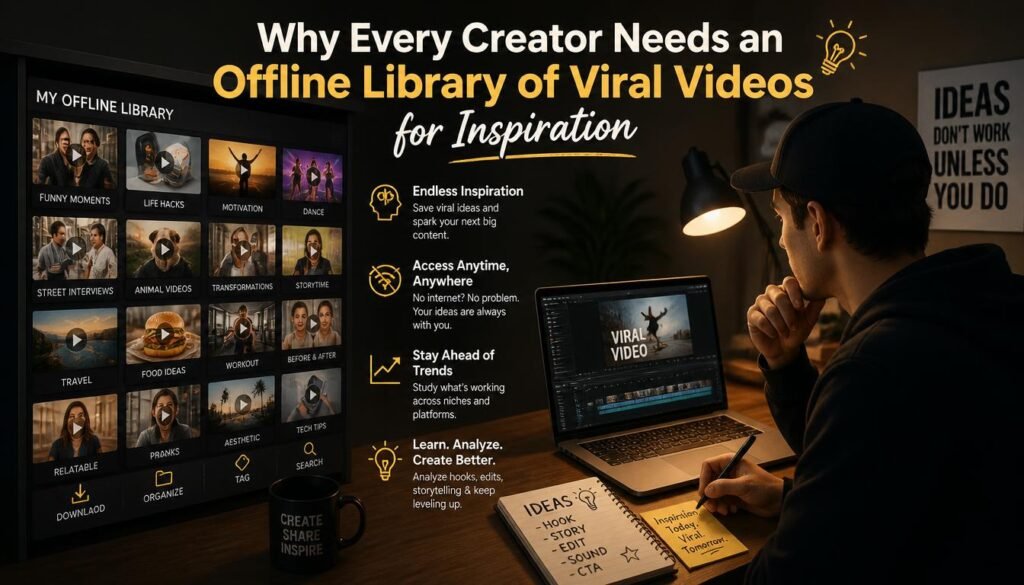
Why Every Creator Needs an Offline Library of Viral Videos for Inspiration
Relying on social media bookmarking features creates unexpected bottlenecks. Online platforms frequently remove uploaded content, shadowban posts, or alter search feeds.
- Permanent Access: Platforms hide or delete original uploads over time. Saving content locally ensures total ownership of your inspiration archive.
- Distraction-Free Analysis: Studying videos inside active apps triggers endless scrolling. Local media players let you concentrate purely on editing structure.
- Instant Speed: Local media files play instantly without buffering pauses. You can scrub back and forth across frames instantly.
Sourcing Clips for Your Offline Library of Viral Videos for Inspiration
Building a useful archive requires collecting clean, high-resolution media. You must strip out distracting UI watermarks to focus on pure composition.
- Spot High-Performing Content: Look for short-form clips with high share ratios. Save the direct URL string to your device clipboard.
- Process Watermark-Free Files: Use web-based utility downloaders to fetch original MP4 files directly. Clean files without overlaid platform logos make visual analysis much easier.
- Extract Original Audio: Save audio tracks as MP3 files when studying viral voiceovers or trending sound designs.
- Choose High Resolutions: Always download the highest resolution options available, such as 1080p or 4K. Clear visuals highlight subtle editing transitions and production details.
Organizing Your Offline Library of Viral Videos for Inspiration
An unorganized folder full of generic video file names quickly becomes unusable. Setting up a logical file directory makes retrieval fast and easy.
| Storage Category | Primary Focus Area | Key Data Saved |
| 01_Hooks | First 3 seconds of video | Visual text placements, physical actions, movement patterns |
| 02_Transitions | Visual cuts and scene switches | Whip pans, match cuts, mask transitions |
| 03_Storytelling | Middle pacing structure | On-screen captions, B-roll timing, voiceover cadence |
| 04_Call_To_Action | Final 5 seconds of video | Audio cues, end-card layouts, comment prompts |
Standardized File Naming Formulas
Rename downloaded MP4 files immediately upon saving. Use a consistent naming structure to maintain organization across large collections:
[Platform]_[Niche]_[HookType]_[CreatorName]_[Date]
Example: TikTok_Tech_Unboxing3Sec_JohnDoe_2026.mp4
Management Tools for Your Offline Library of Viral Videos for Inspiration
Basic computer file folders work well initially, but specialized desktop software takes organization further. Local Digital Asset Management (DAM) tools let you tag, search, and preview files quickly.
- Use Eagle or Notion: Digital desktop apps like Eagle allow you to preview videos on mouse hover. You can add color-coded tags and custom notes without moving files from your hard drive.
- Apply Smart Metadata: Tag videos by specific attributes like
Talking Head,Fast Paced, orSplit Screen. - Rate Content Quality: Assign star ratings (1 to 5) to mark top-tier inspiration clips vs. standard reference files.

Analyzing Clips in Your Offline Library of Viral Videos for Inspiration
Collecting files is only the first step. To get real value from your offline archive, you need to analyze how those videos were built.
- Deconstruct the First Frame: Pause the video at second 0.01. Identify what visual elements instantly capture attention.
- Track Cut Frequency: Count how many seconds pass between edits. Fast-paced viral clips typically feature visual adjustments every 1.5 to 2.5 seconds.
- Study Audio Cues: Mute the video to review the visuals alone, then listen to the audio separately. This helps you understand how sound design enhances visual pacing.
- Map Content Frameworks: Write down the script structure. Separate the intro hook, the core message, and the final call-to-action into distinct sections.
Common Storage Pitfalls and Backup Solutions
Large collections of high-definition MP4 files can fill up local storage quickly. Managing drive capacity prevents system slowdowns.
- Use External Solid State Drives (SSDs): Store heavy media files on portable USB-C SSDs instead of your main system drive.
- Maintain Automated Cloud Syncs: Mirror your local reference folders to private cloud storage like Google Drive or Proton Drive for redundant backups.
- Clear Duplicate Downloads: Run duplicate-finder tools monthly to clear out extra copies of saved files.
- Compress Reference Files: If storage space gets tight, transcode large 4K files down to 720p. Lower resolution is plenty for analyzing hooks and pacing.
Frequently Asked Questions (FAQs)
Conclusion
Knowing how to build an offline library of viral videos for inspiration gives you a massive advantage in content creation. Saving clean, watermark-free files locally helps you study winning structures, visual hooks, and editing patterns without online distractions. Set up a structured folder system, apply consistent metadata tags, and analyze top-performing clips regularly. Building an organized offline library ensures you always have creative inspiration ready when it is time to produce your next video.