
This SnapTik APK review evaluates whether this popular third-party downloader is safe for Android devices. Android users often turn to dedicated applications when saving high-definition videos from social platforms. Third-party APK files bypass standard store restrictions, yet they raise serious digital privacy questions. Installing an installation package from external sources requires careful evaluation of safety protocols. Understanding mobile permissions helps you protect your phone while preserving your media.
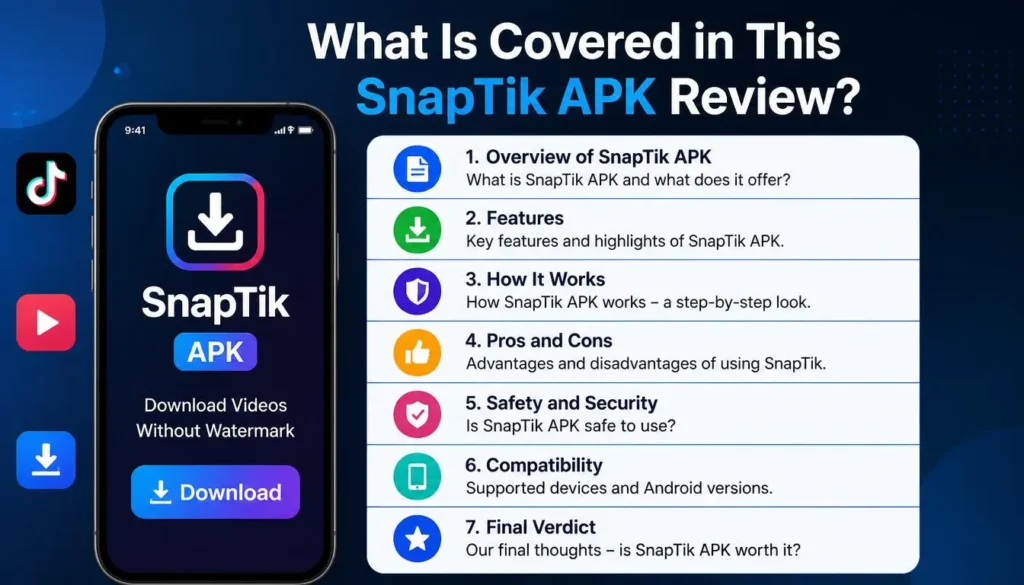
What Is Covered in This SnapTik APK Review?
SnapTik functions as a specialized utility for Android devices. The application extracts raw video streams directly from server links. Users copy media links, paste them into the input field, and save watermark-free files directly into local storage.
The APK file format allows Android operating systems to install packages outside Google Play. Developers host these installation packages on independent web servers. While third-party files provide instant convenience, users must carefully inspect file integrity before granting permissions.
Core Features Analyzed in Our SnapTik APK Review
1. Watermark-Free Video Extraction
The application strips original platform branding during the downloading process. It leaves clean MP4 files ready for offline viewing or personal media archiving.
2. High-Definition File Quality
Users can download clips in their native upload resolutions. The app processes high-definition video files up to 1080p without altering color saturation or frame rates.
3. Integrated Audio Extractor
An internal audio converter extracts background sounds from video links. The system saves isolated audio directly into MP3 formats for easy music collection.
SnapTik APK Review Security Analysis: Is It Safe?
Evaluating third-party applications requires assessing malware risks alongside user data protection. The official web-based utility runs safely in isolated browser sandboxes. However, standalone APK packages require closer security inspection.
| Security Category | Web Downloader Tool | Third-Party APK File |
| Malware Risk | Very Low (Runs inside browser) | Moderate (Depends on source site) |
| Device Permissions | None Required | Storage Access Needed |
| Account Logins | Zero Credentials Needed | Zero Credentials Needed |
| Ad Exposure | Standard Web Banners | In-App Popups & Redirects |
Official application files downloaded from reputable mobile repositories pose minimal threat. Security issues generally stem from unofficial mirror sites that inject modified code into original packages. Always run installation files through scanner utilities before opening them on your phone.
App Permissions Examined in This SnapTik APK Review
Understanding permission requests prevents unauthorized access to your private data. Legit media downloaders require specific hardware access to function correctly.
- Storage and Media Access: This permission is strictly required. It allows the application to write downloaded MP4 and MP3 files into your local storage folders.
- Network Access: Full internet access enables the application to connect with remote servers and process video links.
- Contacts, Camera, or SMS: Deny these requests immediately. Media downloaders never require access to your contact list, location tracking, or private messages.
How to Install SnapTik Safely
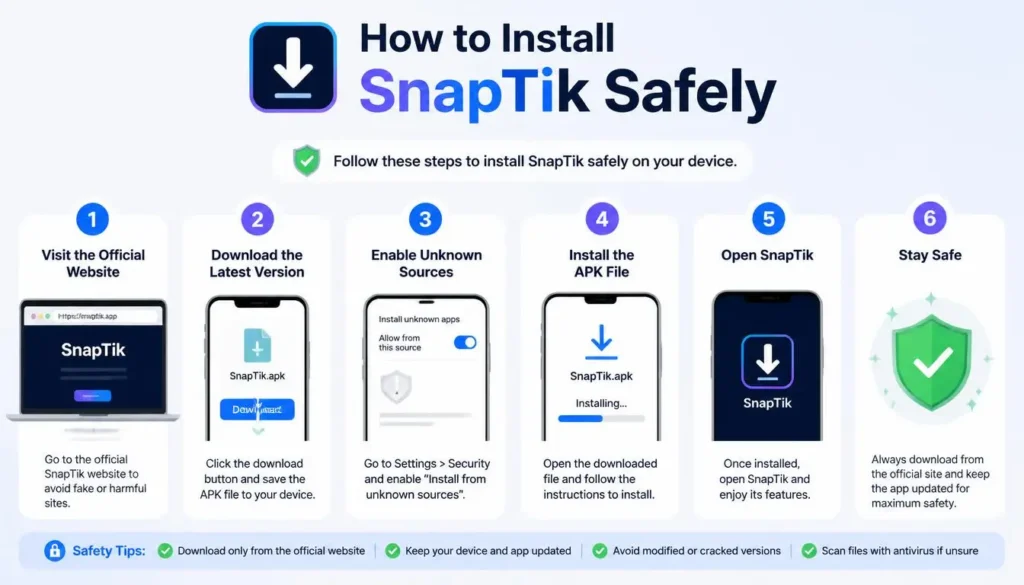
- Enable Unknown Sources: Go to Android Settings, tap Security, and allow your browser to install unknown applications.
- Download Verified Package: Obtain the file package exclusively from trusted mobile app repositories.
- Scan Before Install: Run your mobile security scanner to verify that the downloaded package is clean.
- Complete Installation: Open your downloads folder, run the installer, and launch the application once setup completes.
Pros and Cons Found in This SnapTik APK Review
Pros
- Saves videos without embedded platform logos.
- Fast batch downloading for saved offline media.
- Simple interface without complicated registration forms.
- Converts video soundtracks into standalone audio files.
Cons
- Requires manual APK updates since it bypasses app store systems.
- Unofficial download portals can contain ad-injecting malware.
- Frequent popup advertisements during file conversion processes.
Safe Web Alternatives to the APK
Using web-based downloaders eliminates the need to install third-party packages. You can access video download utilities directly through Chrome, Safari, or Firefox browsers. Web tools process video links on secure cloud servers while protecting your device storage from unnecessary file installations.
Frequently Asked Questions (FAQs)
Conclusion
This SnapTik APK review highlights an efficient, watermark-free video download solution for Android power users. While the application delivers clean file exports, security depends on obtaining legitimate installation packages. Inspect app permissions, run antivirus scans, and utilize web-based alternatives if you prefer avoiding third-party installs.