
TikTok trends move fast, and audio drives every viral moment. You often hear a catchphrase, background score, or remix that you want to save. Standard video saving options keep the video file, but you might only want the soundtrack. SnapTik MP3 Downloader extracts audio from videos instantly. You can convert any clip into a clean sound file with zero hassle.
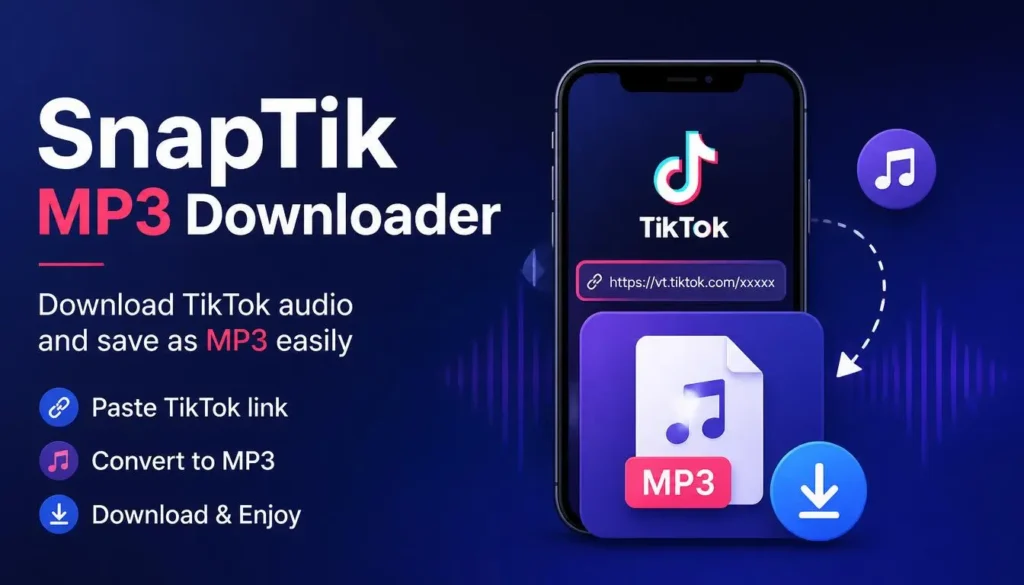
Our converter processes media directly in your web browser. You do not need extra software installations or complicated account setups. You simply paste a clip link and extract audio files instantly. It offers full device support for mobile phones, tablets, and desktop computers. Creators, video editors, and music lovers can extract high-fidelity audio assets within seconds.
Why Choose SnapTik for Extracting TikTok Sounds?
Finding a reliable audio downloader can be frustrating. Many web converters display intrusive pop-ups, enforce long waiting timers, or compress the sound quality severely. SnapTik provides a clean, fast, and safe environment for downloading media.
High-Fidelity Audio Quality
Sound clarity remains essential when saving custom tracks or trending soundbites. Our system extracts original audio tracks directly without double compression. You receive crisp audio files that sound clear on all devices.
No App Installation Required
Many mobile apps request excessive device permissions or consume internal storage. SnapTik functions as a light web platform. You open your browser, complete the conversion, and save space on your device.
Completely Free with No Limits
You do not face hidden fees, subscription packages, or daily download restrictions. You can convert unlimited audio files for alarm sounds, ringtones, or offline listening playlists.
Features of SnapTik TikTok to MP3 Converter
SnapTik offers powerful features designed for ease of use, speed, and safety.
- Lightning-Fast Extraction: Conversion takes under three seconds on a standard internet connection.
- Universal Compatibility: Works smoothly on Android, iOS, Windows, macOS, and Linux platforms.
- No Watermark or Distortion: The system strips video frames and delivers a standalone MP3 file.
- Safe and Private: We do not track user activity, store logs, or save personal data.
- Direct Storage Saving: Downloaded audio saves directly into your device download folder.
How to Convert TikTok Videos to MP3 Using SnapTik
Converting your favorite clips into audio takes three simple steps. You do not need technical knowledge to complete the process.
1.Copy the Video Link:Get the link from your TikTok app.
Open TikTok and find the video containing the audio you want. Tap the Share button on the right side of the screen and select Copy Link.
2.Paste the URL into SnapTik:Insert link into the input field.
Navigate to the SnapTik MP3 Downloader website in your web browser. Click on the URL input box, paste your copied link, and hit the Convert button.
3.Download Your Audio File:Save the MP3 file to your device.
Our engine fetches the file, strips the video layer, and generates your high-quality MP3 link. Click Download MP3 to store the file on your device.
Popular Uses for TikTok Audio Downloads
Users convert video clips to MP3 files for various personal and creative purposes.
Custom Phone Ringtones and Alarms
Trending audio quotes, comical sounds, and catchy tunes make great custom ringtones or morning alarm tones. Extracting audio allows you to set custom ringtones without paying for digital audio files.
Offline Music Playlists
Remixes, slowed-and-reverbed tracks, and acoustic covers often exist exclusively on social media. Extracting the audio allows you to listen to these unique tracks offline while traveling or exercising.
Content Creation and Video Editing
Video editors frequently need trending audio tracks for background sound, voiceovers, or reference tracks. Converting clips into standalone MP3 files simplifies importing audio into editing software like CapCut, Premiere Pro, or DaVinci Resolve.
SnapTik vs. Standard Media Converters
Not all online converter tools deliver equal performance. Below is a comparison of SnapTik against standard media converters:
| Feature | SnapTik MP3 Downloader | Standard Web Converters |
| Conversion Speed | 1 to 3 Seconds | 15 to 45 Seconds |
| Software Required | None (Web Browser) | Often Requires Apps or Extensions |
| Audio Quality | Original Source Bitrate | Low Bitrate / Compressed |
| User Registration | Not Required | Often Requires Account Creation |
| Ad Intrusiveness | Low / User-Friendly | Heavy Pop-ups and Redirects |
| Device Compatibility | Desktop, iOS, Android | Limited Device Support |
Best Practices for Using Downloaded Audio Safely
While downloading audio files for personal enjoyment is simple, users should keep copyright principles in mind.
- Personal Use First: Enjoy downloaded audio offline, but avoid re-selling tracks or uploading them to streaming services like Spotify or Apple Music.
- Credit Original Creators: If you use a downloaded sound bite in a YouTube Short or Instagram Reel, credit the original artist or voice actor in your video description.
- Check Copyright Status: For commercial projects or monetized videos, choose royalty-free sound libraries or seek official music licensing permissions.
Frequently Asked Questions (FAQs)
Conclusion
SnapTik MP3 Downloader provides a fast, simple, and reliable way to extract audio from video clips. You can easily save viral songs, trending sound effects, and voice clips as MP3 files. The web platform requires no software installation, supports every major device, and keeps original audio quality intact. Try SnapTik today to turn your favorite online sounds into offline audio files.